Creating Engaging Game Assets: A Guide
- kutabarep
- Jul 14, 2025
- 5 min read
Creating game assets is a crucial part of game development. Whether you are designing characters, environments, or user interfaces, the quality of your assets can make or break the player’s experience. In this guide, we will explore how to create engaging game assets that captivate players and enhance gameplay.
Game assets are the building blocks of any game. They include everything from 2D sprites to 3D models, animations, and sound effects. The right assets can bring your game to life, making it visually appealing and immersive.
In this post, we will cover the following topics:
Understanding the Basics of Game Assets
Designing Characters that Stand Out
Crafting Immersive Environments
Creating User Interfaces that Enhance Gameplay
Tips for Optimizing Game Assets
Let’s dive in!
Understanding the Basics of Game Assets
Before you start creating game assets, it is essential to understand what they are and how they fit into the game development process. Game assets can be categorized into several types:
2D Assets: These include sprites, backgrounds, and UI elements. They are typically used in 2D games and can be created using software like Adobe Photoshop or Illustrator.
3D Assets: These are models used in 3D games. They can be created using software like Blender or Maya. 3D assets often require texturing and rigging to be fully functional.
Animations: These bring your characters and objects to life. Animations can be created for both 2D and 3D assets and are crucial for creating a dynamic game experience.
Sound Effects and Music: Audio assets enhance the atmosphere of your game. They can include background music, sound effects for actions, and voiceovers.
Understanding these categories will help you plan your asset creation process effectively.
Designing Characters that Stand Out
Characters are often the heart of a game. They need to be memorable and relatable. Here are some tips for designing engaging characters:
Define Your Character’s Personality: Before you start designing, think about who your character is. What are their strengths and weaknesses? What motivates them? This will guide your design choices.
Use Color and Shape: Colors can evoke emotions. For example, bright colors can convey energy, while darker colors can suggest mystery. Shapes also play a role; round shapes can make a character appear friendly, while sharp shapes can suggest danger.
Create Unique Silhouettes: A strong silhouette makes a character easily recognizable. Experiment with different shapes and proportions to create a unique look.
Add Details: Small details can make a character feel more real. Consider adding accessories, clothing textures, or unique features that reflect their personality.
Test Your Designs: Share your character designs with others to get feedback. This can help you refine your ideas and ensure they resonate with your target audience.
By following these tips, you can create characters that players will connect with and remember.
Crafting Immersive Environments
The environment sets the stage for your game. It can influence the mood and gameplay experience. Here are some strategies for creating engaging environments:
Establish a Theme: Decide on a theme for your environment. Is it a lush forest, a futuristic city, or a haunted castle? A clear theme will guide your design choices.
Use Layering: Create depth by layering different elements in your environment. For example, foreground, midground, and background elements can add richness to your scenes.
Incorporate Interactive Elements: Make your environment engaging by adding interactive elements. This could be anything from doors that open to objects that players can pick up.
Pay Attention to Lighting: Lighting can dramatically change the feel of a scene. Use light and shadow to create atmosphere and highlight important areas.
Test for Navigation: Ensure that players can navigate your environment easily. Test your designs to see if players can move through the space without confusion.
By focusing on these aspects, you can create immersive environments that draw players in and enhance their gaming experience.
Creating User Interfaces that Enhance Gameplay
A well-designed user interface (UI) is essential for a smooth gaming experience. Here are some tips for creating effective UIs:
Keep It Simple: A cluttered UI can confuse players. Aim for a clean and straightforward design that allows players to focus on the game.
Use Consistent Design Elements: Consistency in colors, fonts, and button styles helps players understand how to interact with your game. This familiarity can improve their overall experience.
Prioritize Important Information: Make sure that critical information, such as health bars or inventory, is easily accessible. Use size and color to draw attention to these elements.
Test with Real Users: Conduct usability testing with real players to gather feedback on your UI. This can help you identify areas for improvement.
Iterate Based on Feedback: Use the feedback you receive to make necessary adjustments. A user-centered approach will lead to a more enjoyable experience.
By focusing on these principles, you can create a user interface that enhances gameplay and keeps players engaged.
Tips for Optimizing Game Assets
Creating high-quality game assets is important, but optimizing them for performance is equally crucial. Here are some tips for optimizing your assets:
Reduce File Sizes: Large files can slow down your game. Use compression techniques to reduce file sizes without sacrificing quality.
Use Level of Detail (LOD): Implement LOD techniques to reduce the complexity of 3D models when they are far from the camera. This can improve performance without compromising visual quality.
Optimize Textures: Use texture atlases to combine multiple textures into one. This reduces the number of texture swaps during rendering, improving performance.
Limit Draw Calls: Minimize the number of draw calls by combining meshes and using instancing where possible. This can significantly enhance performance.
Test on Target Devices: Always test your game on the devices it will be played on. This will help you identify performance issues and make necessary adjustments.
By following these optimization tips, you can ensure that your game runs smoothly while still looking great.
Wrapping It All Up
Creating engaging game assets is a multifaceted process that requires creativity, planning, and attention to detail. By understanding the basics of game assets, designing memorable characters, crafting immersive environments, creating effective user interfaces, and optimizing your assets, you can significantly enhance the player experience.
Remember, the goal is to create a game that captivates players and keeps them coming back for more. With the right approach, your game assets can become a powerful tool in achieving that goal.
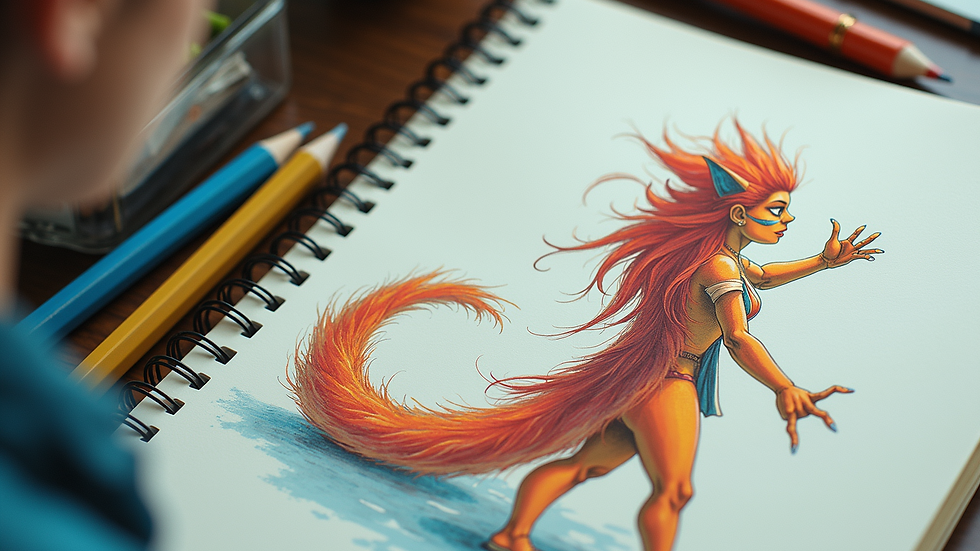
As you embark on your game development journey, keep these tips in mind. The world of game design is vast and exciting, and with practice, you can create assets that truly stand out. Happy designing!


Comments